InTouch
Get In Touch with Your Devices Anytime, Anywhere
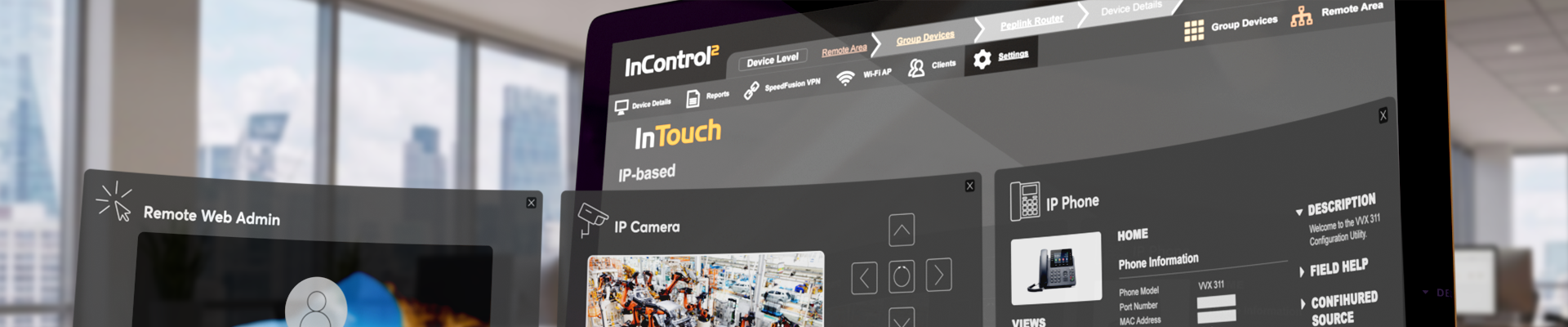
As Out of Band Management (OOBM) starts to fall short of today’s network requirements and technologies, InTouch enters the picture. Instead of building separate networks or adding circuits dedicated to OOBM, InTouch integrates everything onto one platform for seamless connectivity. Use just one login to gain access to all remote devices behind your router – IP devices, remote desktops, remote protocols for servers, and more.

Configure Anything, Anywhere
InTouch is an easy way to reach any device that you need to view, configure, or troubleshoot remotely.

No Setup Required
InTouch eliminates the need for Engineers, VPNs, Servers, or extra software typically needed to manage your devices.

No Security Compromises
InTouch never requires Public IPs, inbound access through firewalls, or any other security compromises to get your job done.
Industries

Energy, Oil & Gas

Meters

Sensors

Alarm Systems

Cameras

Phones
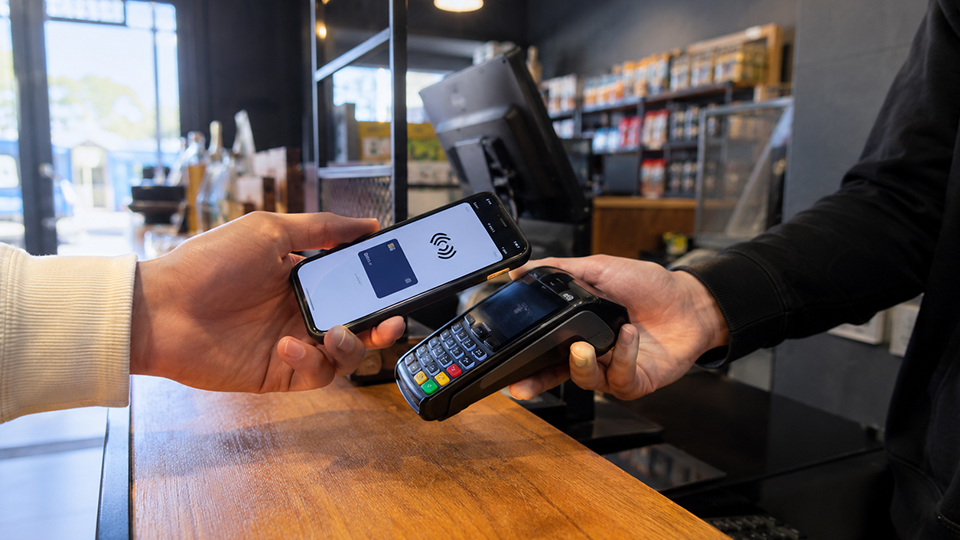
Retail, Restaurant & Kiosk

POS Terminals
Cameras
Phones

Wi-Fi

Fleet & Transportation
Cameras

Location Systems

People Counters

Security & Surveillance
Cameras

PoE Switches

Access Control Panels
Alarm Systems

VoIP Providers
Phones
PoE Switches

Enterprise & SME
Phones

Servers
Cameras

Broadcast & Media
Cameras
Location Systems
People Counters
Configure InTouch
InTouch Activation Method and Profile Setting
Isn’t This Called OOBM?
OOBM is how people did this 20 years ago
This sounds…
Expensive
You’re saying I need two networks, but my users can only use one?
Complicated
I don’t have network engineers to build one network, let alone two.
Nearly impossible already
What about when my “locations” aren’t office buildings, they are cars or a shack in a field in Oklahoma.
But with InTouch…

You don’t need to build a second network, nor are there any additional costs when you already have an InControl 2 license and an active SpeedFusion Connect Usage plan.

You don’t need to be a network engineer to use this service and you won’t need to maintain any additional infrastructure or software.

This is very much possible: access to everything behind your Peplink router is integrated onto one platform regardless of what or where it is.
FAQs
Q1. What is InTouch and how does it work?
A.
Q2. How do I subscribe to InTouch and how much does this service cost?
A.
Q3. Which Peplink products can I use with InTouch?
A.
Q4. Who is InTouch most suitable for?
A.
Q5. What are some other solutions in the market?
A.
-
VPN or 3rd Party Software for Remote Access:
Using a firewall, a VPN server, or a remote access software server with a primary or a secondary link for remote network access.
-
VPN or 3rd Party Software for Remote Management:
Relying on a remote management service.
-
OOBM for Remote Management:
Setting up a secondary ISP through OOB connectivity with a OOBM console server.
Q6. How do these solutions compare?
A.
-
VPN or 3rd Party Software for Remote Access:
Separate servers or firewalls will be required at each location, which is not realistic for several applications. This solution also relies on a server or appliance which needs to be managed and may be down during updates. The secondary path connectivity options are limited and do not improve the primary network connectivity.
-
VPN or 3rd Party Software for Remote Management:
Any single point of failure in the network leaves administrators relying on local staff or having to dispatch staff.
-
OOBM for Remote Management:
Requires building a second network at each location and adds on significant overhead costs. An investment in an OOBM network does not necessarily benefit the primary network's reliability or capacity.